Typing is one of those skills that quietly affects almost everything we do on a computer. A smoother keyboard rhythm can make schoolwork easier to finish, help with long messages, reduce the friction of writing, and make repetitive computer tasks feel less tiring. The difficulty is finding a practice tool that makes improvement feel approachable instead of turning every session into a stressful race against a leaderboard.
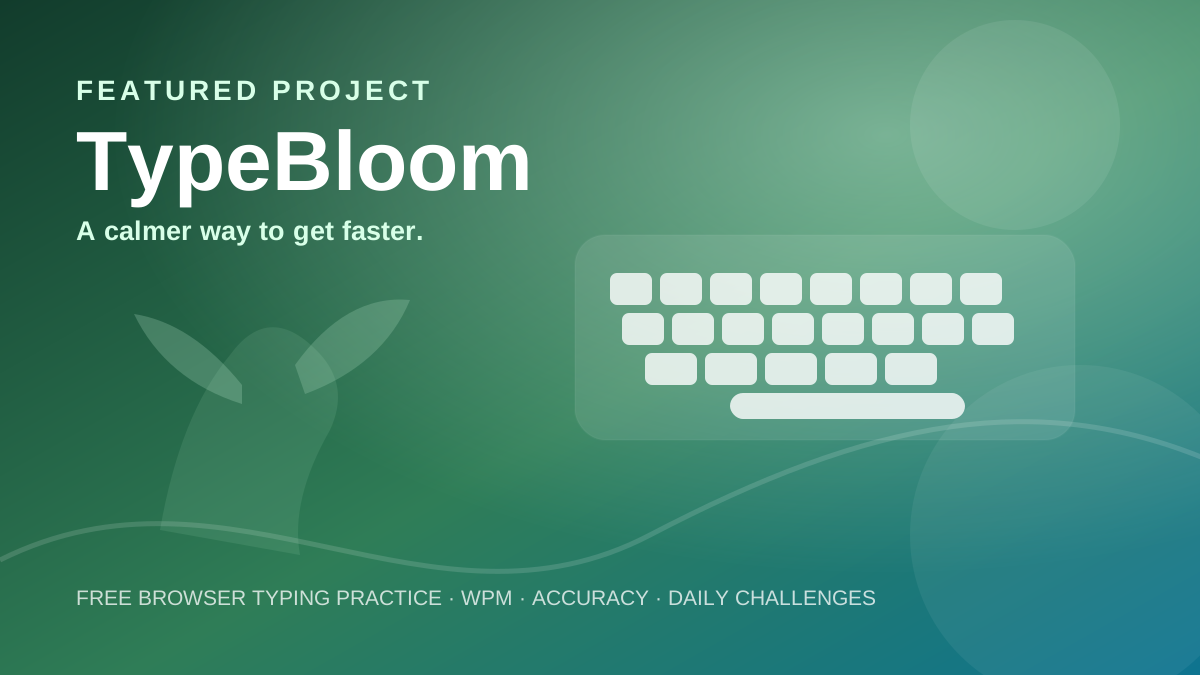
That is the idea behind TypeBloom, a free browser-based typing practice website designed around steady improvement. Rather than requiring an account or a complicated setup, TypeBloom puts the practice experience in the browser and focuses on a simple loop: practice, measure, improve, and come back for another small challenge.
🌱 Try TypeBloom
Practice typing for free, check your WPM and accuracy, explore progressive levels, and build a consistent routine directly in your browser.
What is TypeBloom?
TypeBloom is a browser-based typing practice tool with a clear progression from beginner exercises to more demanding challenges. Its current practice experience includes Beginner, Intermediate and Advanced modes, allowing users to choose a level that matches their comfort instead of jumping straight into dense passages.
The landing page also includes a small interactive speed demo, designed to let a visitor experience the idea before starting a full practice session. That demo uses a short timed passage and updates live WPM and accuracy while you type, giving the experience a useful “try it first” entry point.
Practice at your own pace
One of TypeBloom's strongest ideas is that speed does not have to be the only target. The site pairs WPM tracking with accuracy so users can see whether faster typing is also staying precise. That matters because a very high speed with frequent errors does not necessarily translate into useful everyday typing.
The practice path is broken into smaller milestones. Beginner exercises focus on getting comfortable with a relaxed rhythm. Intermediate practice adds more variety, while Advanced passages introduce denser text and more demanding input. The point is not to force everyone through the same pace, but to give the keyboard practice a direction.
Timed tests, WPM and CPM
For users who prefer a test-style session, TypeBloom includes timed options rather than limiting practice to fixed passages. The current typing page offers speed tests with WPM tracking and CPM tests, with test durations ranging from about two to fifteen minutes.
WPM is useful when you want an easy-to-understand speed benchmark. CPM adds another way to look at typing performance by focusing on characters typed. Having both makes TypeBloom more flexible for people who enjoy measurable targets or want to compare results across different types of practice.
A daily challenge that gives you a reason to return
TypeBloom also includes a Daily Challenge. The current experience is built around a 60-second session and encourages users to aim for 95% or better accuracy. The site tracks a day streak and keeps a history of recent daily challenges, turning practice into a habit rather than a one-time test.
That small distinction can matter. A typing tool does not need to make every session dramatic. A repeatable routine of short, focused practice can be easier to maintain than an occasional marathon session.
Progress without an account
Another notable part of TypeBloom is its emphasis on local progress. The current site describes personal-best tracking and progress staying in the browser, along with a “no account needed” approach on the landing page. That makes the experience lightweight: users can practice without first creating a profile simply to see a benchmark.
The interface also supports light and dark themes, so the site can be adjusted to suit different environments and preferences.
Who might find it useful?
TypeBloom is a practical fit for students who want a simple typing routine, people preparing for computer-heavy work, writers who want a speed benchmark, and casual users who simply want to get more comfortable at the keyboard. It is also useful for beginners because the site does not assume that everyone starts at the same level.
The bigger idea is accessibility. Typing practice does not need special hardware, downloads, or a complicated learning platform. A modern browser and a keyboard are enough to get started.
Why Insight Forge is featuring it
Insight Forge covers technology, entertainment and other subjects people explore online, and TypeBloom fits naturally into the technology side of that mix. It is a small web product solving a very everyday problem: how to practice typing without making the process feel intimidating.
This is a promotional feature, not an independent review. TypeBloom is an Insight Forge project, and the links above take you directly to the project. The feature is intentionally presented differently from regular news and review articles so readers can distinguish the promotion from editorial stories.
Start with one small session
There is no need to aim for an impressive number on the first try. Start with a short passage, pay attention to accuracy, and see where your comfortable baseline sits. From there, a little practice can become a repeatable routine.
⌨️ Ready to practice?
Open TypeBloom and try the typing experience directly in your browser.
Disclosure: TypeBloom is an Insight Forge project. This page is a promotional feature and is intentionally labeled as such.